MASTER FRAME
Start with an idea or a reference. CS helps refine your prompt and generate scene images. Shape the look with camera settings, then refine and save your results.
文生图 × 虚拟相机
把想法写下来,让 CS 帮你展开场景。再用镜头,为构图、质感与景深设定方向。
从一句想法开始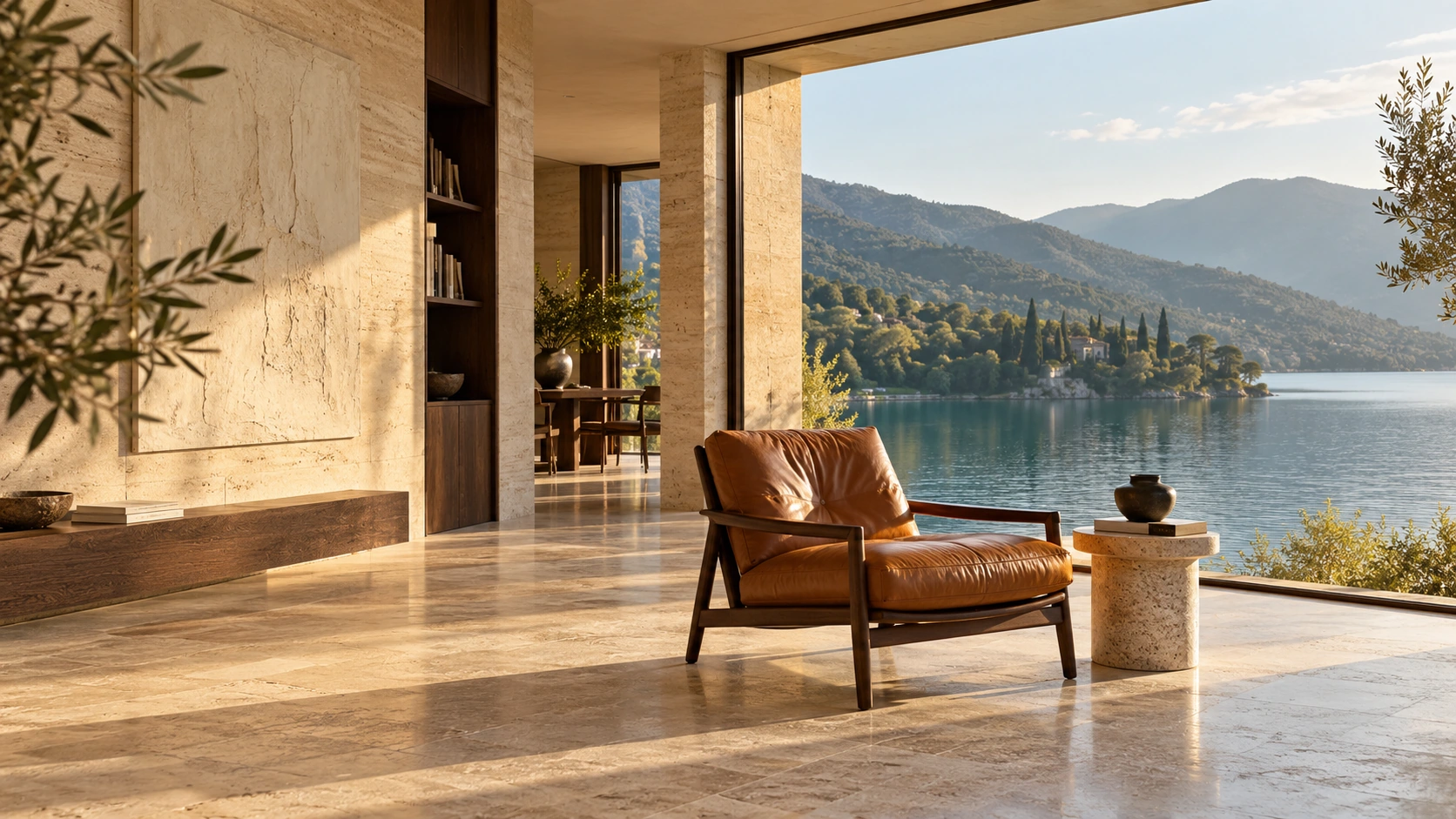
 CYBERSCENE / IMAGE STUDY文生图样片
SCENE 001 / AFTERNOON LIGHT
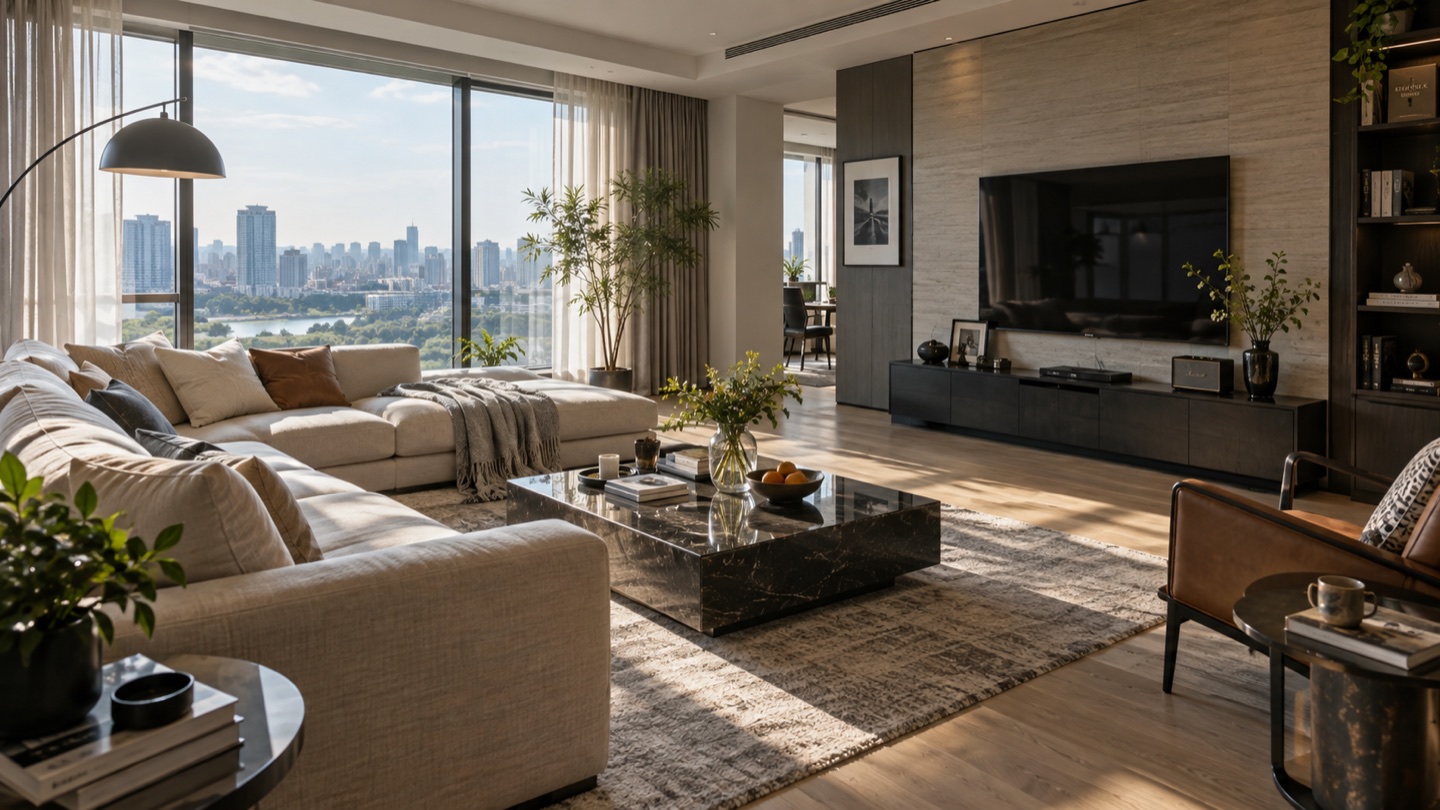
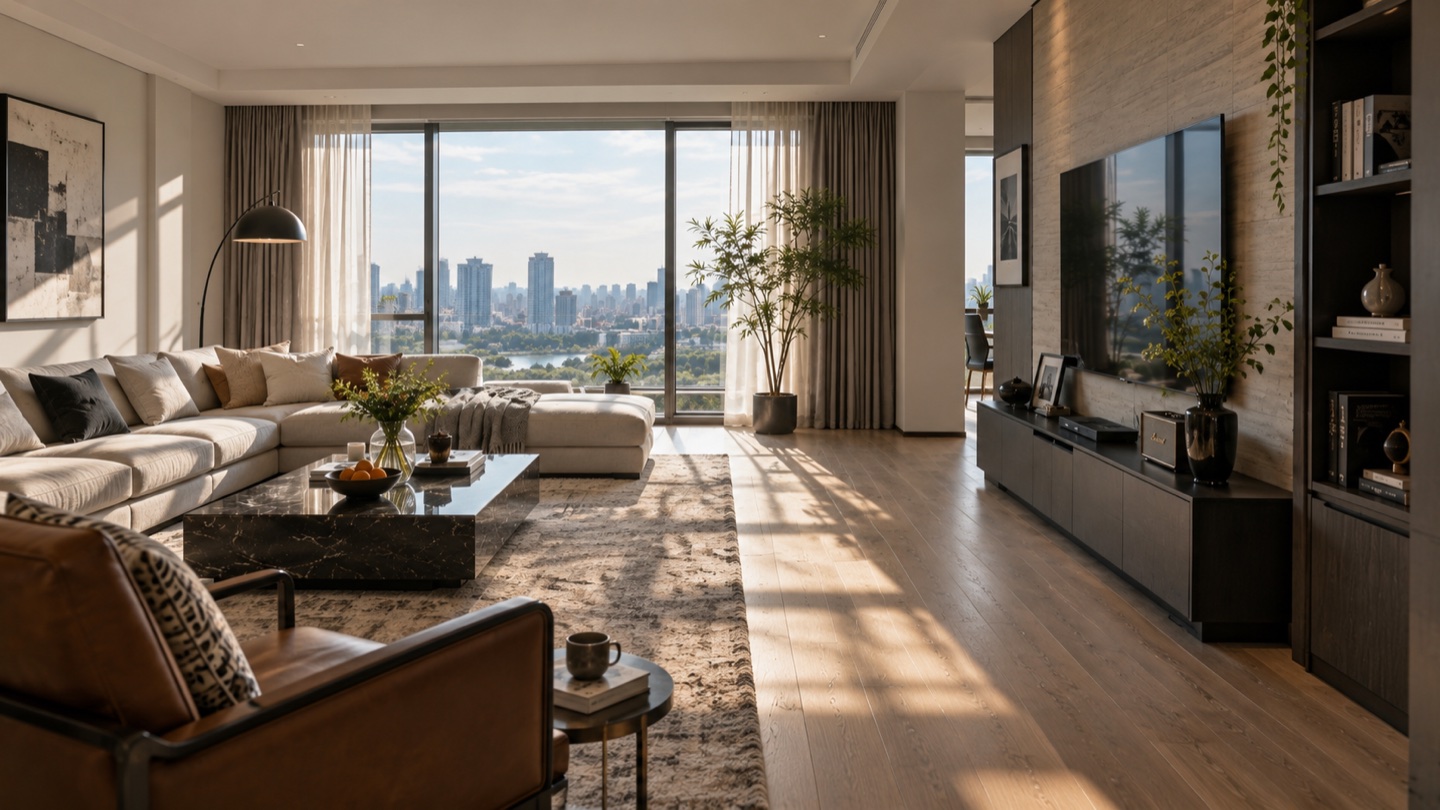
午后,一间湖畔的现代艺廊。
CS 完善场景石材、深木与焦糖色皮椅。
午后侧光掠过材质,窗外是湖水与层叠山林。
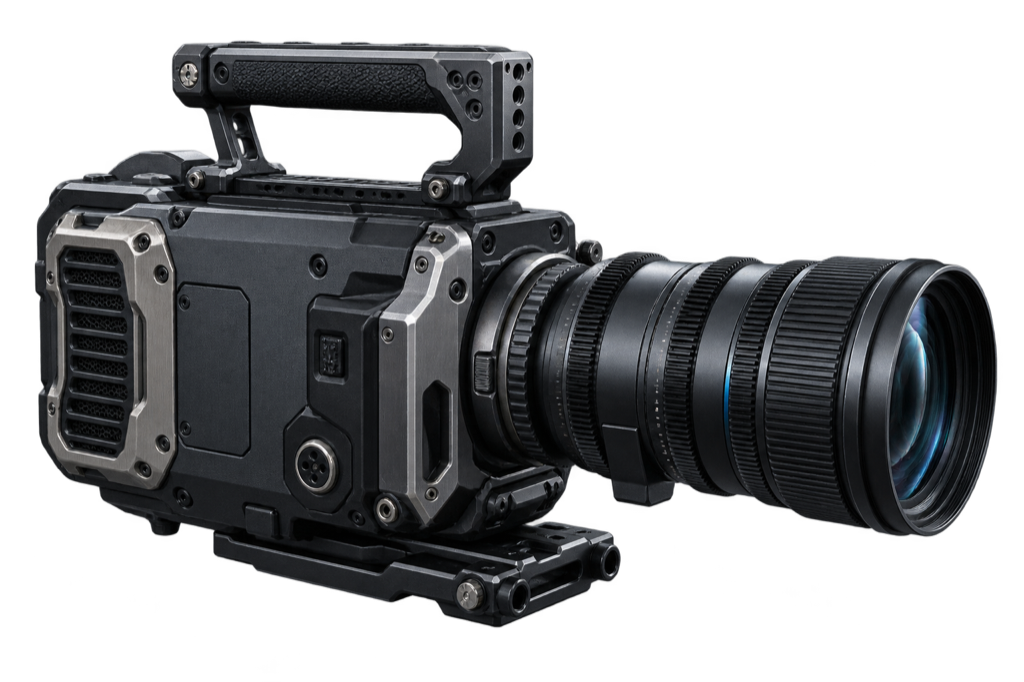
选择机身、成像风格与景深意图。
同一个创意,找到你自己的视角。
交互样片 · 不消耗创作点
Compare your first images, choose a Master, then explore another view. Keep both frames together in the scene.
An idea becomes a scene description and image candidates.
Set the visual reference for your scene.
Explore new views. Retain each version.
Choose an angle and lens. Plan your next frame around the Master.
Interactive planning demo
Open an uploaded photo or generated frame from the Asset Library. Refine light and color, crop the image and save a new copy while keeping the original.
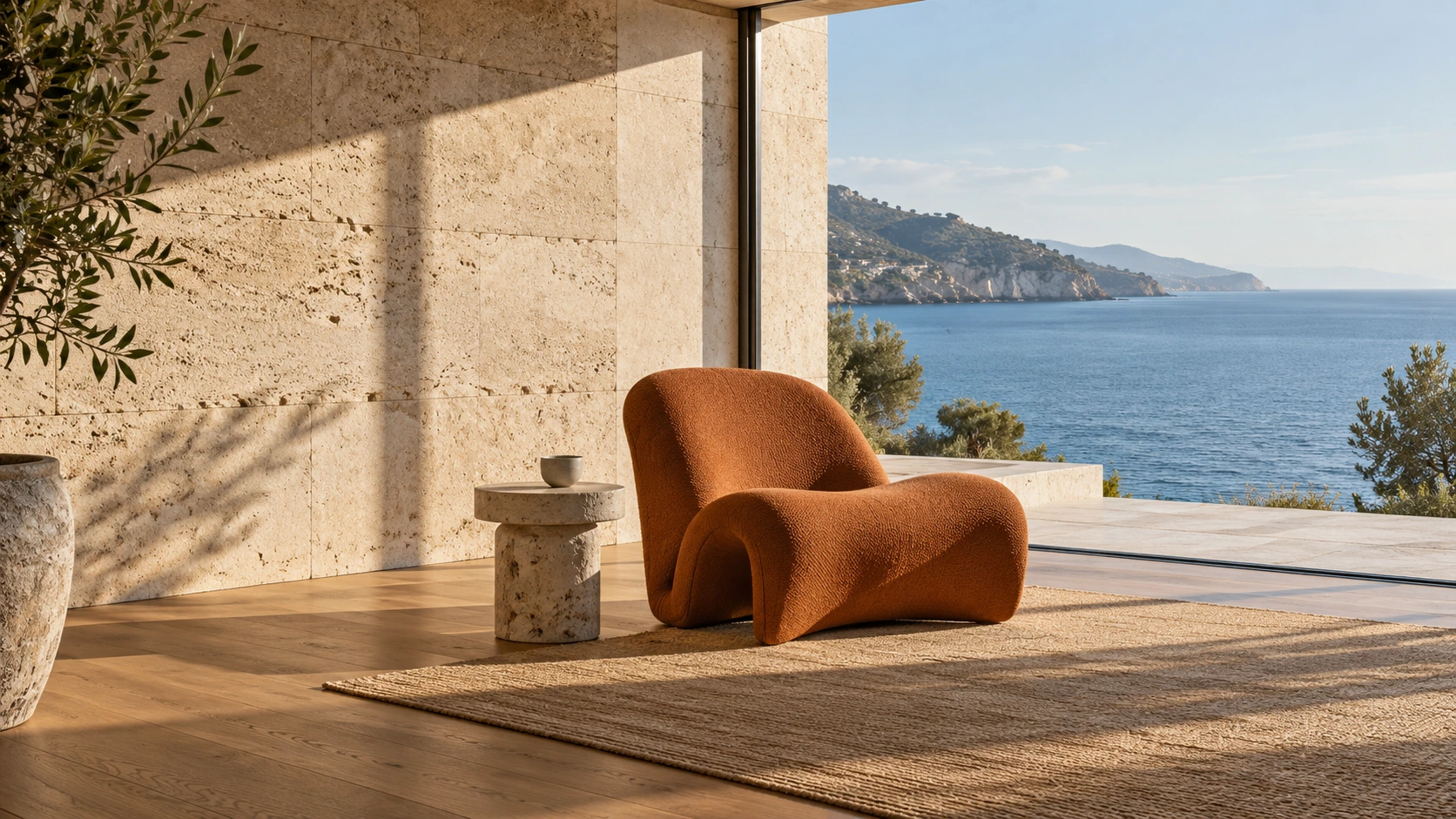

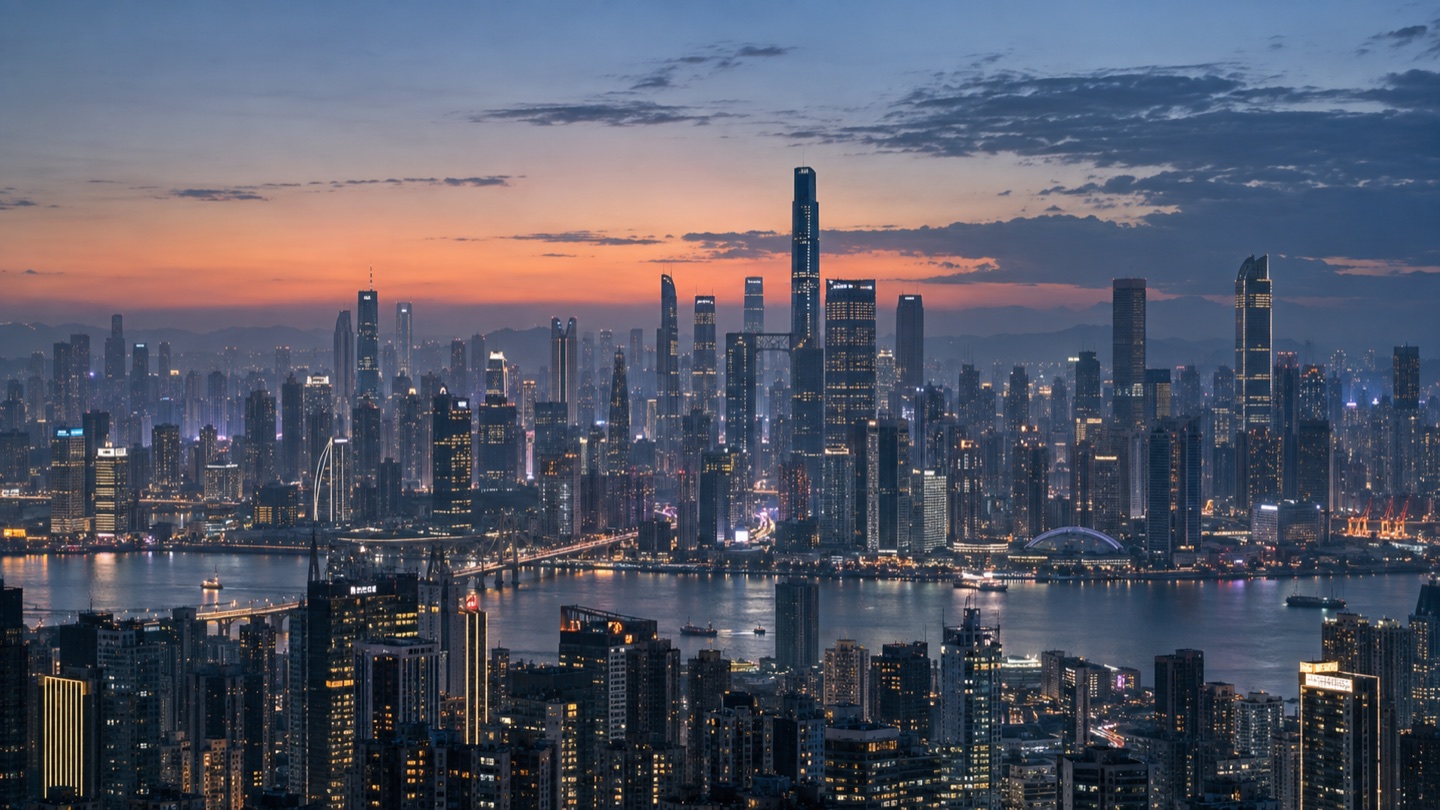
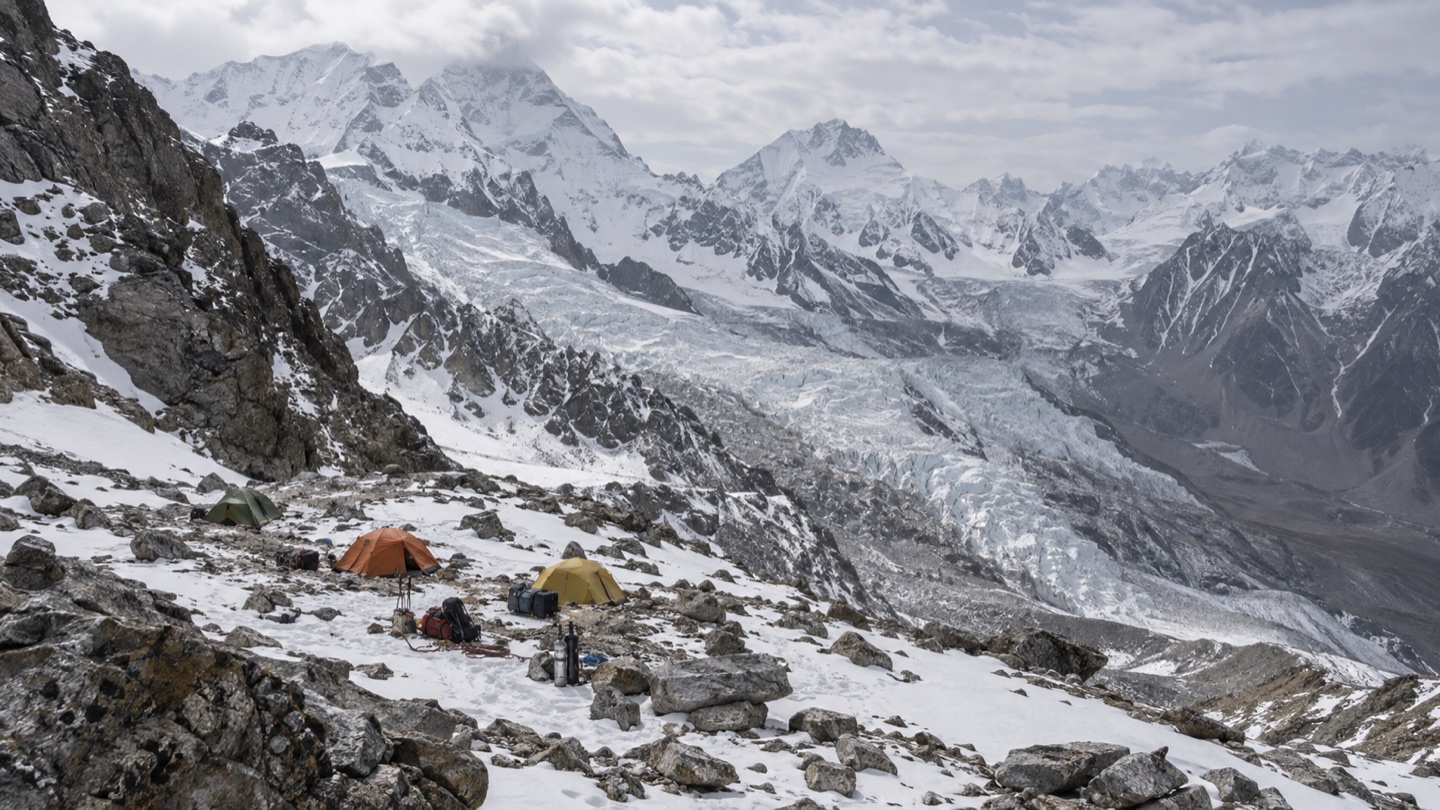
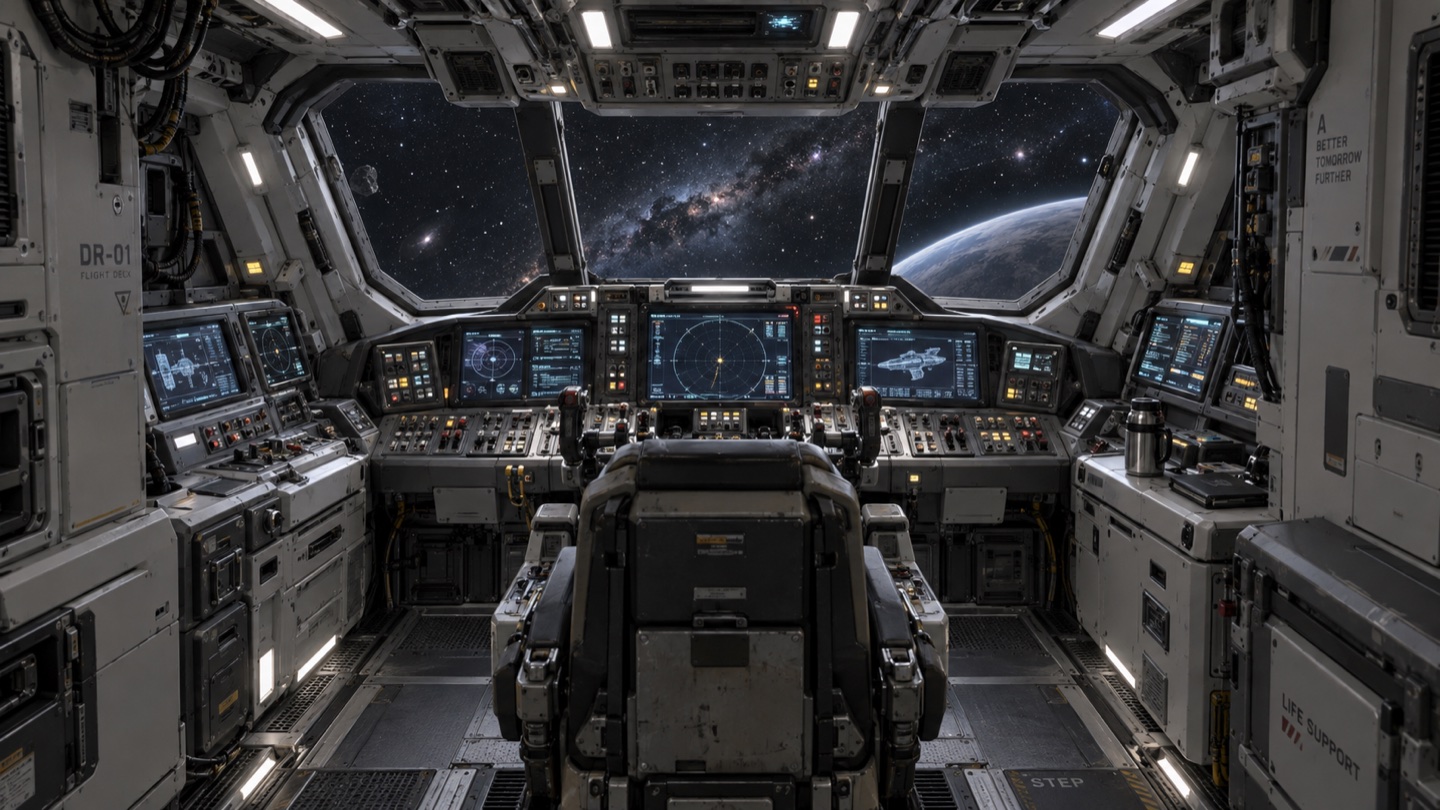
A Scene is the home for a visual idea: its master frame, references, candidates and versions. Scenes belong to a Project, so you can organize a film or visual study and return to the work in context.
Start with a scene description or a reference image. Create your first frame, choose a master, then develop the scene from there. Your workspace keeps Home, Projects, Assets and Skills within reach.
Camera settings express your intention for framing and viewpoint. The camera section on this page is a planning preview; generated results still need review for scene continuity.
Start with an idea. Let CS help shape the description.